 FamCove
The shared family calendar that actually works when both parents use it.
Coverage planning so handoffs stop getting negotiated by text. School flyers turned into events. Childcare receipts ready for tax season — automatically.
Running a household feels like running ops for a small startup.
The average two-kid family tracks events across iCloud, Google Calendar, the school's PowerSchool portal, the daycare's Brightwheel app, the soccer team's TeamSnap, three group chats with grandparents and sitters, and a paper flyer stuck to the fridge. Nobody has a single source of truth, and the cost shows up as missed pickups, double-bookings, and the same argument every Sunday night.
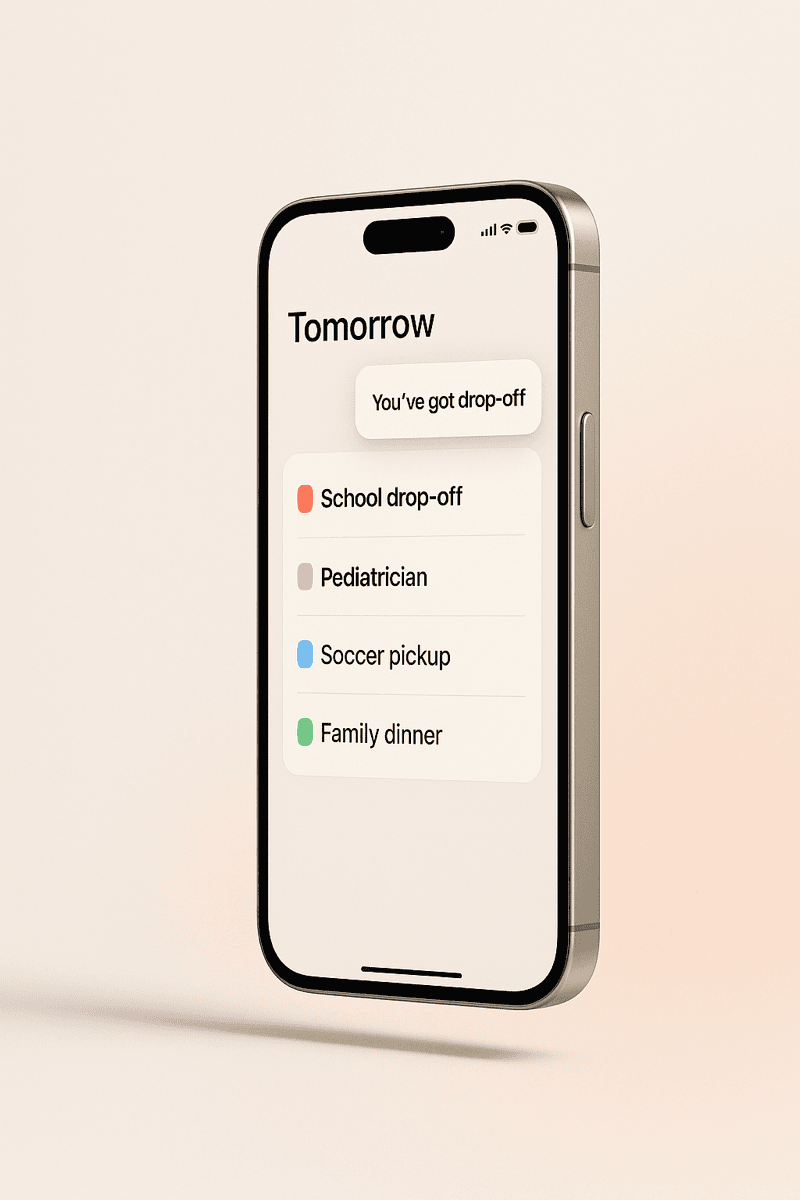
FamCove replaces that pile with one calendar that every adult in your household sees. Events are color-coded by parent. Each event has a coverage plan — who's got the kid — so handoffs stop being negotiated by text.
Everything in one place — built for real households
From the morning drop-off scramble to filing taxes in April, FamCove is the layer between your family and chaos.
One calendar, every parent
A shared family calendar on iOS and the web. Color-coded by adult so you instantly see who has tomorrow morning's drop-off.
Learn more →Coverage planning
Every event tagged with the parent who's got the kid. Unassigned events trigger a 6:30 AM reminder until someone claims them.
Learn more →School-PDF importer
Forward the PTA email or scan the flyer. FamCove parses the dates and turns them into events you can review and approve.
Learn more →Childcare reimbursements
Every booking, payment, and receipt logged. Export a single CSV at year end for FSA, DCFSA, or IRS Form 2441.
Learn more →Co-parent friendly
Designed for separated households. Court-ready audit log of every change, message, and handoff.
Learn more →Family chores
A chore tracker that the whole household actually uses. Weekly streaks, fair-share rotation, no nagging required.
Learn more →Stop negotiating handoffs by text.
Every event on a FamCove calendar has a coverage plan: who's actually responsible for the kid. We surface unclaimed events 12 hours ahead so you fix them in advance, not at 7:14 AM.


Forward the PTA email. We'll do the data entry.
Dump the school year-calendar PDF, the daycare's spring schedule, the soccer roster — FamCove parses dates, names, and times and proposes events you review with one tap.
April you'll thank past-you for FamCove.
Every booking, payment, and provider tax ID logged in one place. At year end you export a single CSV that drops straight into your FSA, DCFSA, or IRS Form 2441 workflow.

We were on three different calendar apps and still missed two pickups in a month. After a week on FamCove the “wait, was that you?” texts just stopped.
Frequently asked questions
What is FamCove?
How is FamCove different from Cozi or FamilyWall?
Is FamCove free?
Does FamCove work for separated or co-parenting families?
What devices does FamCove support?
Does FamCove sell my family's data or use it to train AI?
More questions? See the full FAQ.
One calendar. Every parent. Zero double-bookings.
Free to start. Set up takes less than five minutes.